Domains
How to Secure Your Domain Registrar Account
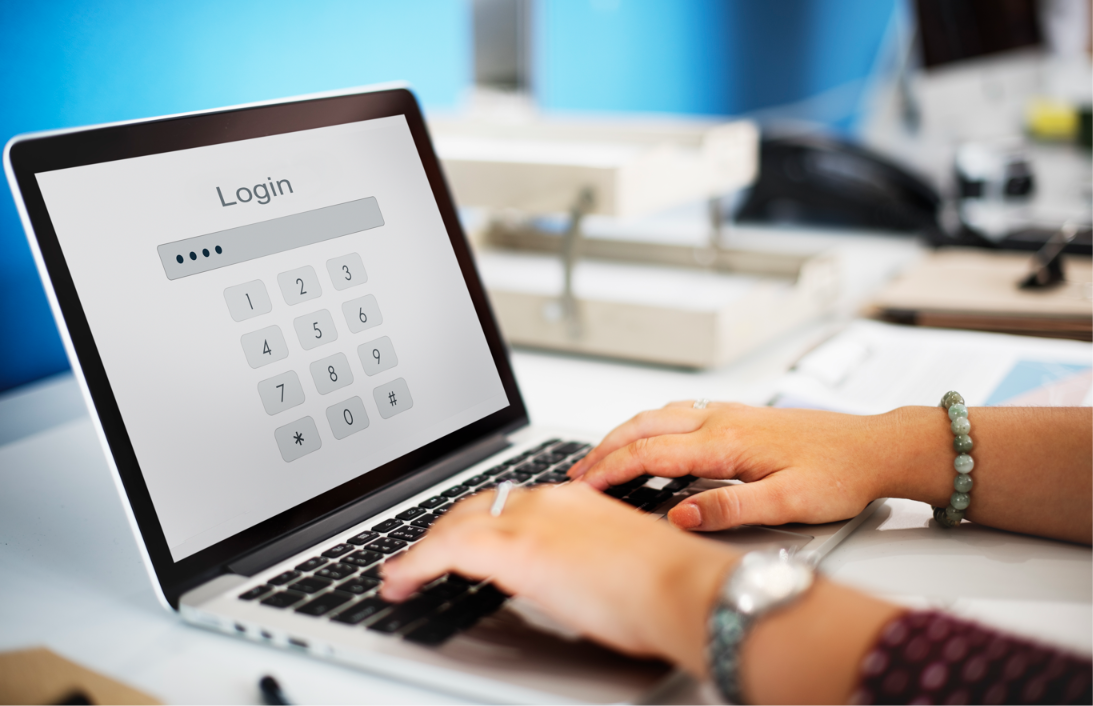
Your domain registrar account controls important settings for your domain name, including registration details, transfer permissions, and sometimes DNS management. If an unauthorized person gains access, they may attempt to transfer your domain, change its settings, or disrupt your website and business email.
To secure your domain registrar account, use a strong and unique password, enable multi-factor authentication (MFA), secure your recovery email, activate domain transfer locks, restrict account access, and monitor account activity. These steps help reduce the risk of unauthorized access and domain hijacking.
Whether you run a startup, manage a small business, or own a portfolio of domains, protecting your registrar account is an essential part of maintaining your online presence.
What Is a Domain Registrar Account?
A domain registrar account is the account you use to register and manage domain names through a domain registrar. Depending on your provider, it may allow you to update registration details, manage domain renewals, change nameservers, configure DNS settings, and authorize domain transfers.
Your registrar account is particularly important because unauthorized access can affect more than your website. It may also put business email, customer communications, and your brand's online identity at risk.
For additional background, read ICANN's guide to protecting your domain name.
Why Is Domain Registrar Account Security Important?
Securing your registrar account helps protect your domain from unauthorized changes and reduces the risk of losing control of your online identity.
A compromised account can expose your business to several risks:
- Domain hijacking: An attacker may attempt to transfer your domain or change its registration settings.
- Website disruption: Unauthorized DNS or nameserver changes may redirect visitors or make your website unavailable.
- Business email problems: Changes to email-related DNS records can interrupt communications.
- Financial losses: Website downtime, fraudulent activity, and recovery efforts may create additional costs.
- Brand reputation damage: Customers may lose trust if your domain is used for suspicious activity.
A domain transfer lock is one useful safeguard, but it is not enough on its own. Follow the additional security practices below to protect both your registrar account and the domain it manages.
8 Ways to Secure Your Domain Registrar Account
1. Use a Strong, Unique Password
Your registrar account should have a password that is difficult to guess and is not reused on any other website.
If another service suffers a data breach, reused credentials could allow an attacker to attempt access to your registrar account.
To strengthen your password security:
- Create a long, random password.
- Use a reputable password manager to generate and store it.
- Avoid using your business name, domain name, or other easily guessed details.
- Never share your password through unsecured messages.
- Change it immediately if you suspect it has been compromised.
The Cybersecurity and Infrastructure Security Agency's password manager guidance explains how password managers can help you create and maintain stronger credentials.
2. Enable Multi-Factor Authentication
Multi-factor authentication (MFA) requires additional verification beyond your password. Depending on your registrar, you may be able to use an authenticator app, a passkey, or a physical security key.
MFA makes it more difficult for someone to access your account using a stolen password alone.
To enable it:
- Sign in to your registrar account through its official website.
- Open the account security settings.
- Look for MFA, two-factor authentication, or two-step verification.
- Enable the strongest available method.
- Store recovery codes securely and confirm that your recovery options work.
Whenever possible, choose phishing-resistant authentication, such as a supported passkey or security key.
For further guidance, read CISA's recommendations for requiring MFA in business accounts.
3. Enable a Domain Transfer Lock
A domain transfer lock helps prevent unauthorized transfers to another registrar while the restriction is active. Depending on your provider and domain extension, it may appear as a registrar lock, transfer lock, or a similar setting.
To check whether your domain is protected:
- Open your registrar's domain management dashboard.
- Select the domain you want to protect.
- Locate the security or transfer settings.
- Enable the available domain lock.
- Confirm its status with your registrar.
A transfer lock is an additional layer of protection, not a guarantee against every form of domain hijacking. It also does not necessarily prevent unauthorized access to your account or changes to DNS records.
Learn more in ICANN's explanation of locked domains.
4. Secure Your Recovery Email Account
Your recovery email is often used for password resets, verification messages, and important registrar notifications. If someone compromises it, they may be able to use account recovery processes to target your registrar account.
Protect your recovery email by using a unique password and enabling MFA. Review recovery phone numbers, email addresses, and active sessions regularly.
You should also be cautious of phishing messages that imitate your registrar. Before clicking a link or responding to a request, verify the sender and access your account through the registrar's official website.
The CISA guide to recognizing and reporting phishing provides additional advice on identifying suspicious messages.
5. Limit Account Access and Permissions
If multiple employees, contractors, or agencies manage your domains, avoid sharing one administrator login among everyone.
Instead, use individual accounts and grant each person only the permissions needed for their role, where your registrar supports this.
Review account access whenever someone leaves your company or no longer needs to manage the domain.
For better access control:
- Keep the number of administrators small.
- Remove inactive or former users.
- Use separate accounts where available.
- Review access permissions regularly.
- Require strong authentication for all users with domain management privileges.
These practices help limit the damage that can occur if an individual account is compromised.
6. Keep Registration and Recovery Information Updated
Accurate contact details help your registrar reach you about renewals, account changes, and potential security incidents.
Review your registration information and recovery settings regularly. Update them when your business email, phone number, ownership, or administrative responsibilities change.
If you use domain privacy services, understand how they affect publicly displayed registration information and what your registrar requires to verify your ownership.
You can use ICANN Lookup to check publicly available registration information for many domains and identify the listed registrar. Some details may be hidden by privacy services or registry policies.
7. Monitor Account Activity and DNS Changes
Monitoring can help you identify suspicious activity before it causes prolonged disruption.
Review your registrar account for unfamiliar login alerts, changes to contact details, unexpected transfer requests, or DNS modifications you did not authorize.
Pay particular attention to:
- Changes to nameservers.
- Unexpected website or email DNS record changes.
- Unrecognized account users or sessions.
- Password reset requests you did not initiate.
- Notifications about domain transfers or ownership changes.
Enable security alerts if your provider offers them. If your website or email is business-critical, consider automated monitoring for domain registration, DNS, and certificate changes.
8. Choose a Reputable Registrar and Understand Its Recovery Process
Your registrar is an important part of your domain security strategy. Before registering or transferring a domain, review the provider's account security options, support availability, recovery process, and domain transfer policies.
Look for features such as MFA, domain locking, login alerts, access controls, and clear procedures for reporting unauthorized activity.
You can consult ICANN's accredited registrar directory to learn about registrars accredited by ICANN for applicable domain extensions. Accreditation does not guarantee every security feature, so evaluate the provider's specific offerings and support policies.
Before an incident happens, save the registrar's official support details and understand how to report a compromised account.
Domain Registrar Account Security Checklist
Use this checklist to review your current protections.
- Use a strong, unique registrar password.
- Enable MFA, a passkey, or another strong authentication method.
- Activate the available domain transfer lock.
- Secure your recovery email account.
- Remove unnecessary users and administrator permissions.
- Verify registration and recovery information.
- Enable account and domain change notifications where available.
- Review DNS records and nameserver settings.
- Save the registrar's official account recovery instructions.
- Know how to report suspected unauthorized access.
What Should You Do If Your Registrar Account Is Compromised?
If you suspect someone has accessed your registrar account without permission, act quickly.
- Contact your registrar immediately. Use its official website or verified support channel to report the incident.
- Secure your email account. Change compromised credentials and review recovery settings and active sessions.
- Change your registrar password. If you can still sign in safely, update the password and revoke unfamiliar sessions.
- Request protective action. Ask the registrar to investigate suspicious activity and stop a pending transfer if possible.
- Review domain and DNS settings. Check registration details, nameservers, and important records for unauthorized changes.
- Preserve evidence. Save security alerts, emails, screenshots, and timestamps.
- Follow the registrar's recovery process. Provide the documentation required to verify ownership and restore control.
If the issue involves an unauthorized transfer, review ICANN's guidance for domain holders transferring a domain name and ask your registrar which dispute or recovery procedures apply.
Frequently Asked Questions
How do I secure my domain registrar account?
Use a strong, unique password, enable MFA, secure your recovery email, activate the available domain transfer lock, limit administrative access, and monitor account and DNS changes. These measures work together to reduce the risk of unauthorized access.
Is a domain registrar account different from a website hosting account?
Yes. A registrar account manages domain registration and related settings, while a hosting account manages the server or platform where your website runs. Some providers offer both services in one account, but the functions are different and each may require separate security protections.
Does a domain transfer lock protect my registrar account?
No. A transfer lock helps restrict certain domain transfers, but it does not secure your login credentials or prevent every type of unauthorized change. You should also enable MFA, use a unique password, secure your recovery email, and monitor account activity.
Can someone steal my domain if they know my password?
A stolen password may put your domain at risk, especially if MFA is disabled or the attacker can access your recovery email. Strong authentication, unique credentials, transfer locks, and restricted access reduce the likelihood of a successful account takeover.
How often should I review my registrar account security?
Review your account access, recovery details, domain lock status, and DNS settings regularly, and whenever a staff member's responsibilities change. Investigate unexpected security alerts or account changes immediately.
What is the safest way to manage multiple domains?
Use a reputable registrar with strong security controls, enable MFA, keep administrative access limited, maintain an inventory of domains and renewal dates, and monitor changes across your portfolio. Assign clear responsibility for domain management and document the recovery process.
Protect Your Domain and Your Business Identity
Your domain registrar account helps you maintain control over an important part of your business's online identity. Securing it with strong authentication, restricted access, transfer locks, and regular monitoring can reduce the risk of unauthorized changes and costly disruptions.
If you're building a new business, domain security should be part of your launch plan. Explore what domain to use for your startup, learn what your domain says about your business, and discover brandable domain names that stand out and sell.
For more guidance, read our related article on how to protect your domain name from hijacking.
Ready to establish your business's online identity? Visit My.inc to explore .inc domains and choose a domain that fits your brand and long-term goals.

My.inc helps founders, startups, and incorporated businesses establish credibility online with premium .inc domains, hassle-free setup, free custom email, and real human support. Built for brands that want to signal seriousness and permanence from day one, My.inc makes it easy to create a polished, professional online presence.